|
Remove all of the screws from the bottom of the system, except the one covering the WiFi. The WiFi cover is the only non-silver screw (not pictured).
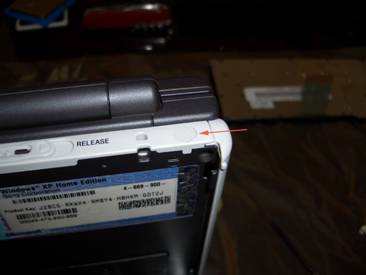
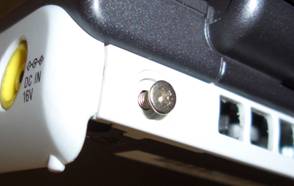
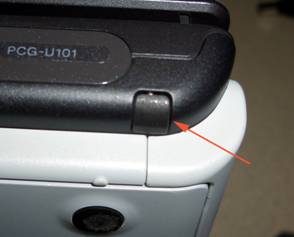
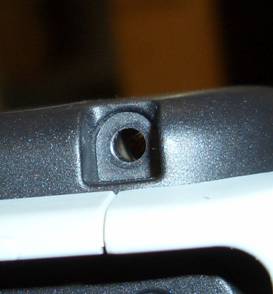
The covered screws at both ends of the laptop must also be removed. At the back end the screws are covered with a small, circular white cover. At the opposite end, the screws are covered by a angular black piece of padding. Remove all four covers and their screws. |