|
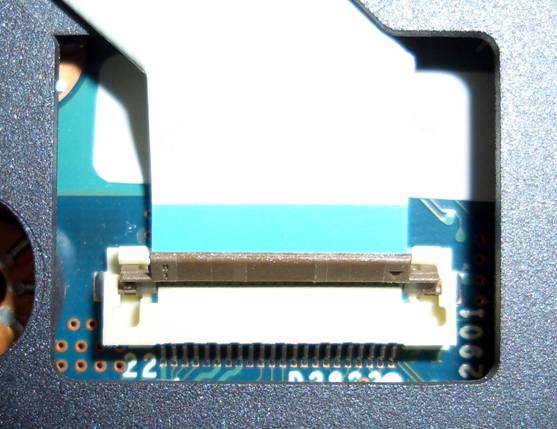
While we’re here, we might as well disconnect the top ribbon cable too. This is a different type connector, it pivots away from the LCD (towards the other ribbon cable connector). Lift up on it lightly with the end of the plastic toothpick and rotate towards the front of the computer.
|
|
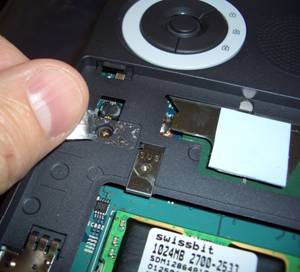
Time to remove the screw from the top cover. I do not believe that you need to remove the screw covering the memory. I did, but it doesn’t look necessary to me. You must, however, remove the void screw under the void label (below).
|